Lenses for Video & YouTube Creators
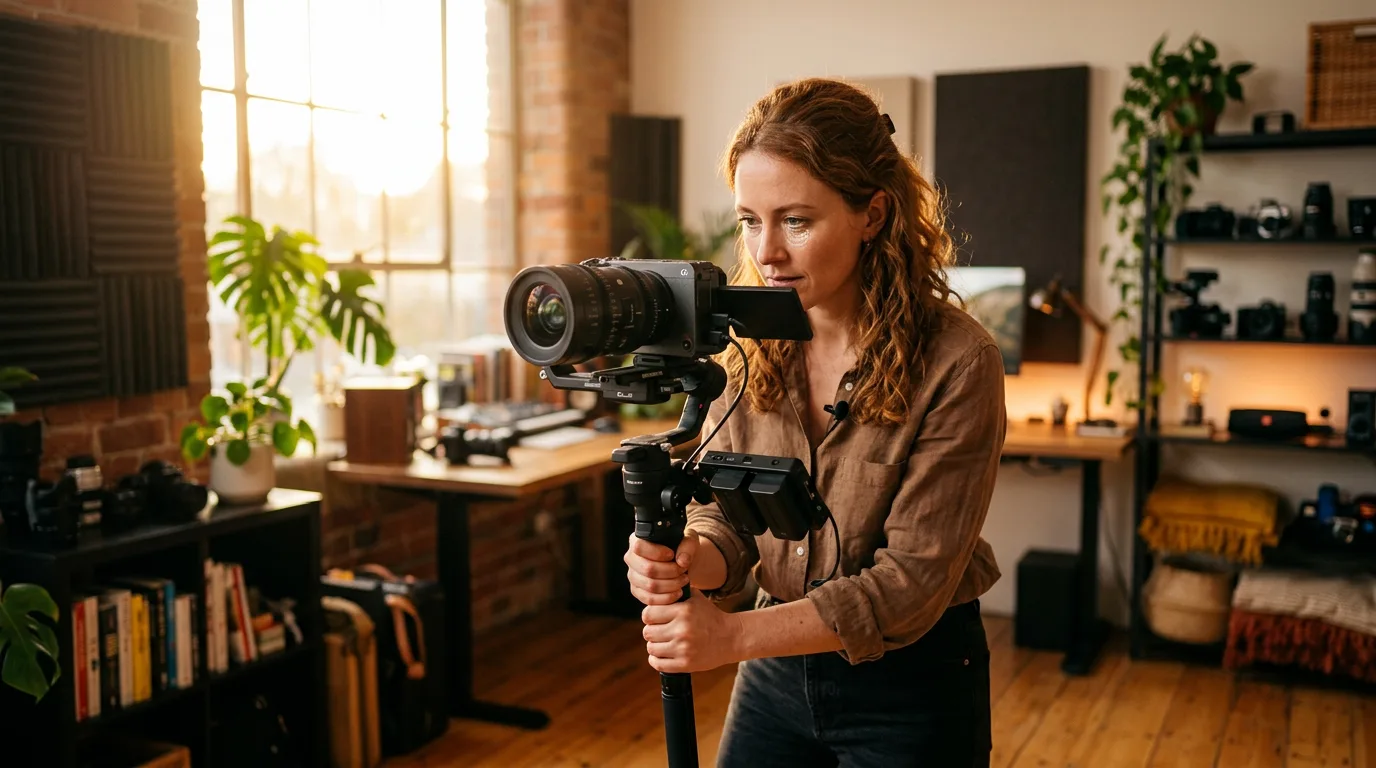
Video punishes lens flaws that stills photography forgives. A slight focus shift during a rack pull, an audible motor whir picked up by a shotgun mic, a visible exposure jump between f-stops — none of these matter in a single photograph, but all three ruin a video take. Choosing a lens for video means evaluating a different set of priorities than stills shooters face, and the best stills lens on the shelf is not automatically the best video lens.
We've reviewed hundreds of creator setups, parsed AF motor specs across every major mount system, and checked breathing compensation claims against real-world footage. This guide breaks down every factor that determines whether a lens performs on camera or fights against you — from autofocus noise and breathing behavior to aperture control, stabilization, and the focal lengths that match specific video formats.
AF Motor Noise: The Silent Killer of On-Camera Audio
Autofocus motors generate sound. The question is whether your microphone captures that sound — and the answer depends on both the motor design and the microphone placement. Screw-driven AF systems (common in older DSLR-era lenses) produce a grinding whir audible from a meter away. Micro-motors improve on that but still emit a high-pitched buzz during continuous tracking. Neither type belongs on a video-focused lens in 2026.
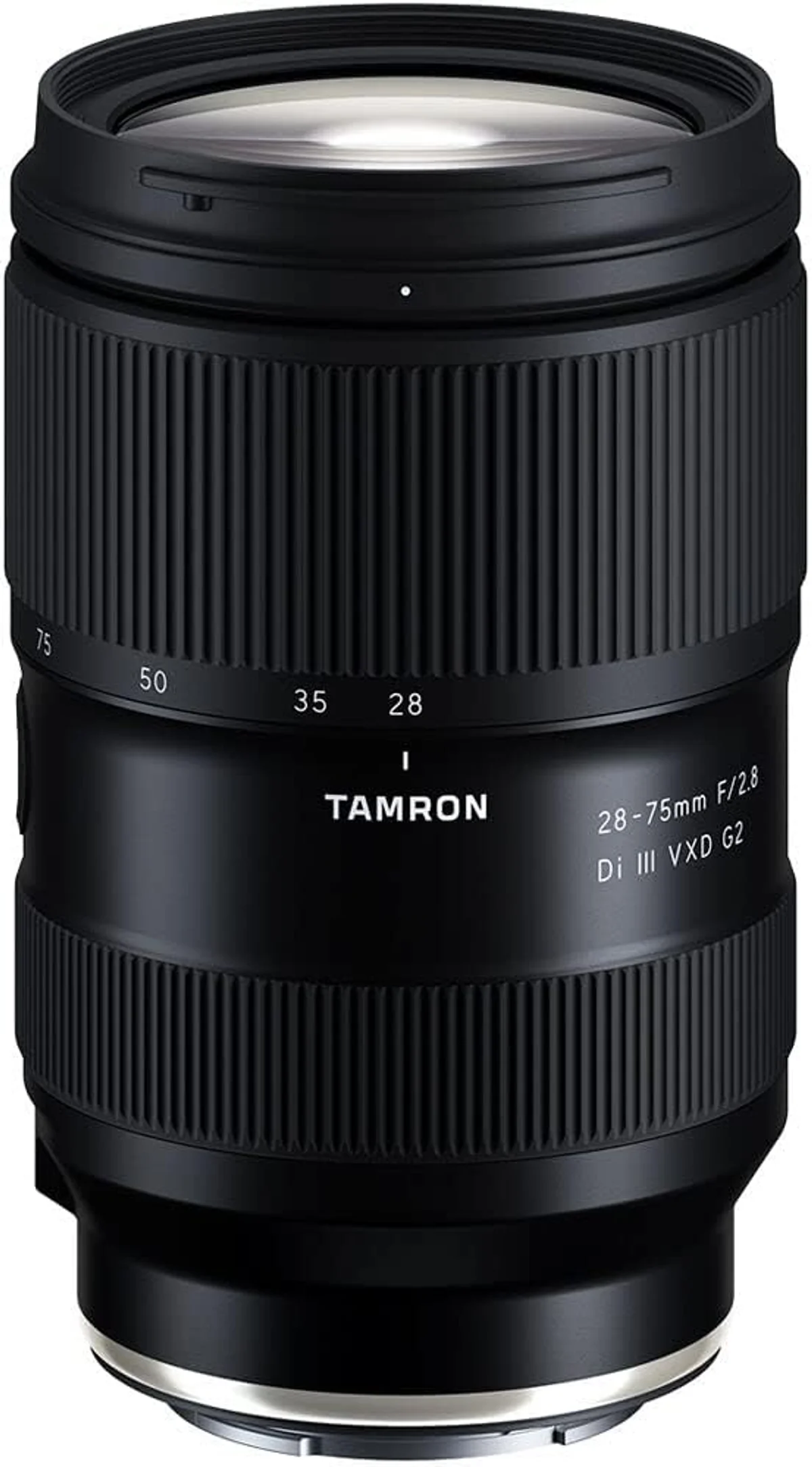
Linear motors changed the equation. Sony's XD Linear Motor, Canon's Nano USM, Tamron's VXD, and Nikon's stepping motor (STM) designs move focus elements electromagnetically, eliminating the gear mesh that generates noise in rotary motors. In practical terms, a linear-motor lens focusing continuously during a talking-head shot is inaudible to a shotgun microphone mounted on the camera's hot shoe — a test that older motor types fail consistently.
But AF noise has a second source most creators overlook: the stabilization system. Lens-based optical image stabilization uses gyroscopic sensors and motorized correction elements that hum faintly during operation. On most lenses, this hum sits below the noise floor of a typical indoor recording environment. On a few — particularly older stabilized zooms — the IS actuator produces a low-frequency vibration that shotgun mics with bass response will capture. If you record with an on-camera microphone, test IS noise separately from AF noise before committing to a lens for video.
The guaranteed workaround is microphone distance. A lavalier clipped to a shirt collar or a boom mic positioned 30-50cm above the subject's head sits far enough from the lens that even noisy AF systems become inaudible. But relying on external audio complicates solo setups — and most YouTube creators work alone. Choosing a lens with a confirmed-quiet linear motor eliminates the problem at the source and lets you record usable audio from any microphone position.
Focus Breathing: Why Your Frame Shifts During Focus Pulls
Focus breathing is a change in apparent focal length as the lens focuses from near to far or vice versa. Rack focus from a subject at 1 meter to a background at 10 meters, and a lens with noticeable breathing will visibly zoom the image — sometimes by 3-8% of the frame width. In stills, you never see this because each image is a single focus distance. In video, the zoom-during-focus-pull effect screams "amateur" to any viewer, even those who cannot articulate why the shot looks wrong.
Breathing varies enormously between lenses, even within the same product line. Sony's original FE 50mm f/1.2 GM breathes noticeably; the revised FE 50mm f/1.4 GM reduces it to near-zero. Canon's RF 50mm f/1.2L breathes more than the RF 85mm f/1.2L. No specification sheet quantifies breathing — you need video samples or dedicated tests from reviewers who measure frame shift at multiple focus distances.
In-camera breathing compensation is now available on Sony (A7 IV and later), Nikon (Z8, Z9, Zf), and Canon (R5 II, R6 III) bodies. The camera applies a slight crop and digital adjustment to counteract the lens's breathing behavior, producing a stable frame during focus transitions. The cost is a 5-10% crop of the image circle, which narrows your field of view slightly. For most creators, this is invisible. For those shooting at wide angles in tight spaces, the crop may push framing from comfortable to cramped.
Cinema lenses are designed with breathing suppression as a primary optical goal. A cine lens that breathes has failed its design brief. Photo lenses optimize for sharpness, aberration control, and AF speed — breathing suppression is a secondary concern, addressed in newer hybrid designs but not guaranteed. If rack focuses are central to your visual style, either buy lenses tested for low breathing, use a body with breathing compensation, or invest in cinema glass.
Aperture for Video: Wide Open vs Stopped Down
The f/1.4-2.8 range dominates YouTube and online video because it produces shallow depth of field that separates subjects from backgrounds. A talking head at f/1.8 on a 35mm lens pops against a blurred studio backdrop — the "cinematic look" that audiences associate with professional production. This aesthetic drives lens purchasing decisions for video creators more than any other single factor.
But shallow depth of field creates a focusing challenge. At f/1.8 and a subject distance of 1.5 meters on a 50mm full-frame lens, the depth of field is roughly 6 centimeters. Lean forward in your chair by three inches and your eyes go soft. Continuous AF must track the subject's face in real time with near-perfect accuracy, or the shot is unusable. Fast apertures demand fast, accurate AF — the two specifications are inseparable for video.
Stopping down to f/4 solves the focus problem. Depth of field triples compared to f/1.8, giving your AF system — and your subject — room to move without losing focus. The background is still visibly softer than the subject at typical indoor distances, just not as aggressively blurred. For run-and-gun documentary work, corporate interviews, and any scenario where the subject moves unpredictably, f/4 is the practical choice. F/2.8 offers a middle ground: enough blur for visual separation with enough depth for reliable focus tracking.
Aperture also controls exposure. Outdoors in daylight, f/1.4 overexposes the image even at maximum shutter speed and minimum ISO. Video shooters follow the 180-degree shutter rule: shutter speed equals double the frame rate (1/50s at 24fps, 1/60s at 30fps). At those slow shutter speeds, f/1.4 in sunlight requires a 3-6 stop ND filter to avoid blown highlights. F/4 lenses need less ND filtration or none at all in overcast conditions. If you shoot both indoor and outdoor video, an f/2.8 zoom with a variable ND filter covers both scenarios without swapping lenses or stacking heavy ND glass.
Stabilization: IS, IBIS, Gimbal, or Tripod
Handheld video demands stabilization. Camera shake that reads as sharpness loss in a still image becomes nauseating motion in video — the viewer's brain expects a stable horizon, and when the frame jitters at 24 or 30 frames per second, the visual discomfort is immediate. Four stabilization approaches exist, each with distinct strengths and limitations.
Lens-based optical image stabilization (OIS) corrects shake at the optical path level, before the image reaches the sensor. For video, lens OIS is most effective on telephoto focal lengths where small hand movements produce large frame shifts. Most video-oriented lenses include an IS mode optimized for panning — the system stabilizes vertical shake while allowing intentional horizontal movement. This mode prevents the "sticky" feel of full stabilization that fights against deliberate camera motion.
In-body image stabilization (IBIS) shifts the sensor itself to compensate for camera movement.
IBIS works with every lens, including vintage manual glass and adapted optics. For video, IBIS is most effective at wide to normal focal lengths (16-50mm) where its physical correction range matches the magnitude of typical hand shake. At telephoto lengths, IBIS runs out of travel — the sensor cannot shift far enough to correct the amplified shake. Combining lens OIS and body IBIS (available on Canon, Nikon, and Sony systems) delivers the best handheld video stabilization from any optical approach.
Gimbals provide motorized three-axis stabilization that exceeds what any optical system achieves. A gimbal-mounted camera produces footage that looks like it was shot on a dolly or Steadicam. For walking shots, following shots, and any scenario involving camera movement through space, a gimbal is the standard tool. The downsides: added weight (500g-1.5kg for the gimbal itself), setup time, battery management, and restricted access to camera controls while mounted. Gimbals also have payload limits — a heavy f/2.8 zoom on a full-frame body may exceed the capacity of a lightweight gimbal.
Tripods with fluid heads remain the default for stationary video. Talking heads, interviews, product reviews, and any shot where the camera does not move benefit from the absolute stability of a locked-down tripod. Fluid heads allow smooth pans and tilts with adjustable drag — even an inexpensive fluid head outperforms any gimbal for controlled, repeatable camera movements from a fixed position. A tripod also eliminates IS-related complications entirely: no IS noise, no IS cropping, no IS mode selection.
Focal Lengths for Different Video Formats
Focal length determines framing, and framing determines how your video feels. The wrong focal length for a format produces footage that looks amateurish regardless of resolution, color grading, or lighting quality.
Talking heads and desk setups (24-35mm): Most YouTube studio content is shot between 24mm and 35mm on full-frame.
At 24mm with the camera 1-1.5 meters from the subject, you capture a medium shot: head, shoulders, and enough desk or studio environment to establish context. At 35mm, the framing tightens to a tighter medium, emphasizing the face while still showing hand gestures. Going wider than 24mm stretches facial features at the edges and introduces barrel distortion that makes rooms look unnaturally curved. Going longer than 50mm requires the camera to sit 2-3 meters away, which is impractical in rooms under 4 meters deep.
B-roll and cinematic inserts (50-135mm): B-roll footage — the supplementary clips cut between talking-head segments — benefits from longer focal lengths that compress perspective and isolate subjects. A product close-up at 85mm f/1.8 produces a floating, dimensional look with creamy background blur that a 24mm lens cannot replicate. Detail shots of hands working, objects on a desk, or textures in an environment all benefit from the 50-135mm range. An f/2.8 zoom covering 70-200mm is the workhorse B-roll lens across professional video production.
Documentary and event coverage (24-70mm zoom): Run-and-gun shooting — following subjects through spaces, capturing unscripted moments, reacting to changing scenes — demands a zoom lens that covers wide establishing shots (24mm) through medium close-ups (70mm) without a lens change. The 24-70mm f/2.8 is the single most common lens in documentary filmmaking for this reason. It handles interviews (50-70mm), room-wide context shots (24-28mm), and medium group shots (35mm) without removing the lens from the body.
Vlogs and travel video (16-35mm): Vloggers holding the camera at arm's length need ultra-wide focal lengths. At arm's length (roughly 60-70cm), a 16mm lens on full-frame captures the creator's face plus substantial background. A 20mm lens tightens the background but still fits the face comfortably. Longer than 24mm at arm's length crops too tight — the subject's face fills the frame edge-to-edge, with no spatial context. APS-C vloggers need even wider lenses: 10-15mm to achieve equivalent framing — the Canon RF-S 10-18mm f/4.5-6.3 IS STM at 150g is purpose-built for this. Micro Four Thirds vloggers get a similar ultra-wide option with the Panasonic Leica DG Summilux 9mm f/1.7, which adds a fast aperture for low-light B-roll.
Interviews and narrative (50-85mm): Sit-down interviews benefit from the perspective compression and background separation of moderate telephoto lenses. A 50mm at f/2 on full-frame from 2 meters produces a flattering head-and-shoulders shot with pronounced background blur. An 85mm lens from 3 meters achieves a tighter frame with even more compression — the classic "cinema" interview look. These focal lengths demand more room depth and a longer throw for focus pulls, which is why dedicated interview setups use 85mm while hybrid content creators default to 50mm.
Cinema Lenses vs Photo Lenses: Where the Lines Blur
Cinema lenses and photo lenses accomplish the same optical task — projecting a focused image onto a sensor. The differences are mechanical, calibrational, and economic. Understanding where those differences matter for your work prevents both under-buying (using a lens that fights your workflow) and over-buying (spending on cinema features you never use).
Focus throw is the rotation angle of the focus ring from minimum to maximum distance. Photo lenses typically use 90-120 degrees of rotation. Cinema lenses use 270-300 degrees. Longer throw gives the focus puller finer control — a small rotation of the ring produces a small change in focus distance, making precise rack focuses between two predetermined marks repeatable and smooth. For YouTube creators who rely on autofocus, focus throw is irrelevant. For narrative filmmakers pulling focus manually with a wireless follow focus, it is the single most important mechanical spec.
T-stops vs f-stops: F-stops describe the geometric ratio of the aperture opening to focal length. T-stops measure actual light transmission, accounting for glass absorption. Two lenses at f/2.8 may transmit different amounts of light depending on their element count and coatings. Cinema lenses are rated in T-stops so that cutting between two lenses at T2.8 produces identical exposure — critical for continuity in multi-camera and multi-angle shoots. For single-camera YouTube work, the T-stop distinction rarely matters. Your camera's auto-exposure compensates for transmission differences between cuts.
Matched front diameters and gearing: Cinema lens sets share a common front diameter (typically 114mm) for matte boxes and filters, and standardized gear rings for follow focus motors.
Swapping lenses on a cinema rig means changing the glass, not rebuilding the entire accessory stack. Photo lenses vary in diameter from 49mm to 82mm or more, requiring adapter rings or separate filter sets for each lens. This matters on a film set where speed equals money. It matters less in a home studio where lens swaps happen between recording sessions, not between takes.
The hybrid middle ground: Lens manufacturers now build photo lenses with video-critical features baked in.
Sony G Master lenses include aperture click switches. Canon RF lenses offer a customizable control ring. Sigma and Tamron market specific lenses for "hybrid" stills-and-video use with suppressed breathing, quiet AF, and smooth aperture transitions. For 95% of video creators — from YouTube channels to corporate content to social media — a modern hybrid photo lens delivers cinema-quality optical performance at a fraction of cinema lens pricing, with the added benefit of fast autofocus that cinema glass lacks. The 5% who do need true cinema glass can start with budget options like the Meike 50mm T2.2 for MFT or invest in a matched set like the DZOFilm Arles T1.4 prime kit for serious narrative work.
Clickless Aperture and Smooth Iris Control
Standard photo lenses use clicked aperture rings: each full or third-stop position has a physical detent that provides tactile feedback. Photographers rely on these clicks to set aperture by feel without looking at the lens. In video, clicked aperture changes produce a visible single-frame exposure jump — the image snaps from one brightness level to another rather than transitioning smoothly.
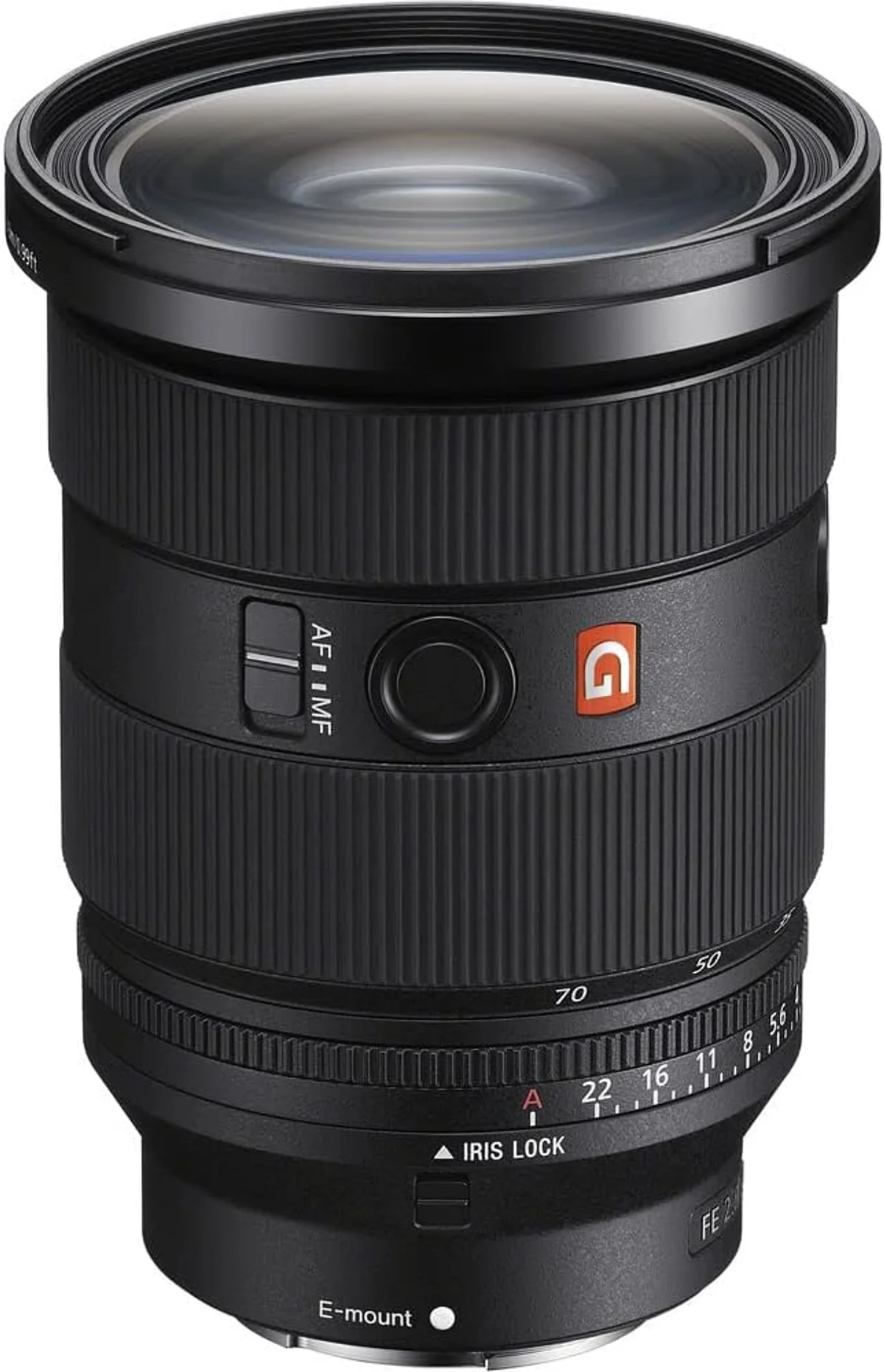
De-clicked (clickless) aperture rings rotate freely, allowing fractional-stop adjustments that produce gradual exposure changes on screen. This is standard on cinema lenses and available on select photo lenses via a physical switch (Sony G Master primes, some Sigma Art primes) or by default (many Viltrox and Samyang/Rokinon AF primes).
For most YouTube workflows, the clickless distinction is academic. You set aperture before recording and leave it fixed. The aperture click switch matters if you pull iris during a shot — adjusting exposure as a subject moves from shade to sunlight, for example, or creating a deliberate exposure ramp for artistic effect. Solo creators who set and forget can safely ignore this spec. Filmmakers working with a dedicated camera operator or producing narrative content should prioritize lenses with a de-click option.
Sensor Crop in 4K and Higher Frame Rates
Recording resolution and frame rate affect your effective focal length because many cameras crop the sensor area used in video modes. A full-frame camera reading the entire sensor at 4K/24 may apply a 1.2x crop at 4K/60 and a 1.5x crop at 4K/120. APS-C cameras sometimes apply an additional crop on top of the existing 1.5x factor, pushing effective multiplication to 1.7-1.8x.
This matters for lens selection because the lens you buy is not the lens you shoot with — at least not at the focal length printed on the barrel. A 24mm lens on a camera with a 1.5x 4K crop frames like a 36mm lens. That 36mm equivalent may still work for talking heads, but it removes the wide-angle spatial context that 24mm provides. A 35mm lens in the same scenario becomes a 52mm equivalent — too tight for most desk setups without pushing the camera back to 2+ meters.
Before purchasing a lens for video, check the crop factors for every resolution and frame rate you plan to use. Sony A7 IV: no crop at 4K/24 (full-frame readout), 1.5x crop at 4K/60. Canon R6 III: no crop at 4K/60, slight crop at 4K/120. Nikon Z6 III: no crop at 4K/60. These differences alter focal length planning considerably. If your camera crops at 4K/60 and you shoot at that frame rate regularly, buy lenses 20-30% wider than your target framing suggests.
Log Profiles, Flat Picture Styles, and Lens Character
Professional video workflows use logarithmic (log) or flat picture profiles — S-Log3, C-Log3, N-Log, V-Log — that capture maximum dynamic range by flattening contrast and desaturating color in-camera. The resulting footage looks washed-out and gray before color grading, which recovers contrast, saturation, and creative color decisions in post-production.
Log shooting interacts with lens character in ways that stills photography does not expose. Lenses with strong optical character — warm color casts, distinctive flare patterns, pronounced vignetting, characteristic bokeh shapes — contribute their personality more visibly when the video colorist grades the flat footage. A lens with a warm rendering may produce noticeably different skin tones than a neutral lens, and the colorist must compensate. Consistency between lenses in a set matters more for log workflows than for standard picture profiles, because the grading process amplifies optical differences.
For YouTube creators shooting in standard picture profiles (not log), lens character is less of a concern.
The camera applies its own contrast curve, color science, and sharpening, which overrides much of the lens's native rendering. Color accuracy, sharpness, and aberration control matter, but the subtle character differences between a Sigma Art and a Sony G Master are largely invisible after the camera's JPEG-like processing pipeline applies its look. If you shoot log for professional delivery, match lenses carefully. If you upload straight from camera, the optical differences between modern lenses of similar quality tiers are minor in the final video.
Power Zoom Lenses: Motorized Control for Solo Shooters
Manual zoom rings produce uneven zoom speed. Human hands cannot rotate a barrel at a perfectly constant rate — the resulting footage shows acceleration and deceleration that looks unpolished. Power zoom lenses solve this with a motorized zoom mechanism that delivers constant-speed, smooth zooms at the press of a rocker switch or remote trigger.
Sony's PZ (Power Zoom) lineup is the most developed: the FE PZ 16-35mm f/4 G covers the wide-angle-to-normal range for vlogging and establishing shots, while the FE PZ 28-135mm f/4 G OSS spans the entire documentary and event range. Both lenses offer variable zoom speed control and remote operation via Sony's camera menus or external controllers. Canon's RF-S 18-45mm f/4.5-6.3 IS STM includes a basic power zoom, and Panasonic's L-mount and Micro Four Thirds systems offer several power zoom options optimized for video.
The limitation: power zoom lenses are niche products with limited selection. You cannot buy a power zoom 70-200mm f/2.8 — the motorized mechanism adds size, weight, and cost that manufacturers have not scaled to fast telephoto zooms. Power zoom is most practical for solo creators who need polished zoom moves during recording — live streamers, one-person documentary shooters, and vloggers who zoom while holding the camera. For edited content where zoom moves happen in post (digital punch-in) or between cuts, a standard zoom ring is sufficient.
Building a Video Lens Kit by Content Type
The ideal video lens kit depends on what you shoot. A talking-head YouTuber's two-lens setup looks nothing like a wedding videographer's four-lens kit, and buying lenses for the wrong workflow wastes money on capabilities you never use.
Studio YouTube (talking heads, tutorials, reviews): One prime lens covers 90% of the work. A 24mm or 35mm f/1.4-1.8 prime, set on a tripod 1-1.5 meters from the subject, handles every studio format from sit-down commentary to product demonstrations. Add a 50mm or 85mm prime for B-roll inserts and product close-ups. Total kit: two lenses. Many successful channels shoot everything on a single 24mm prime and never feel the limitation.
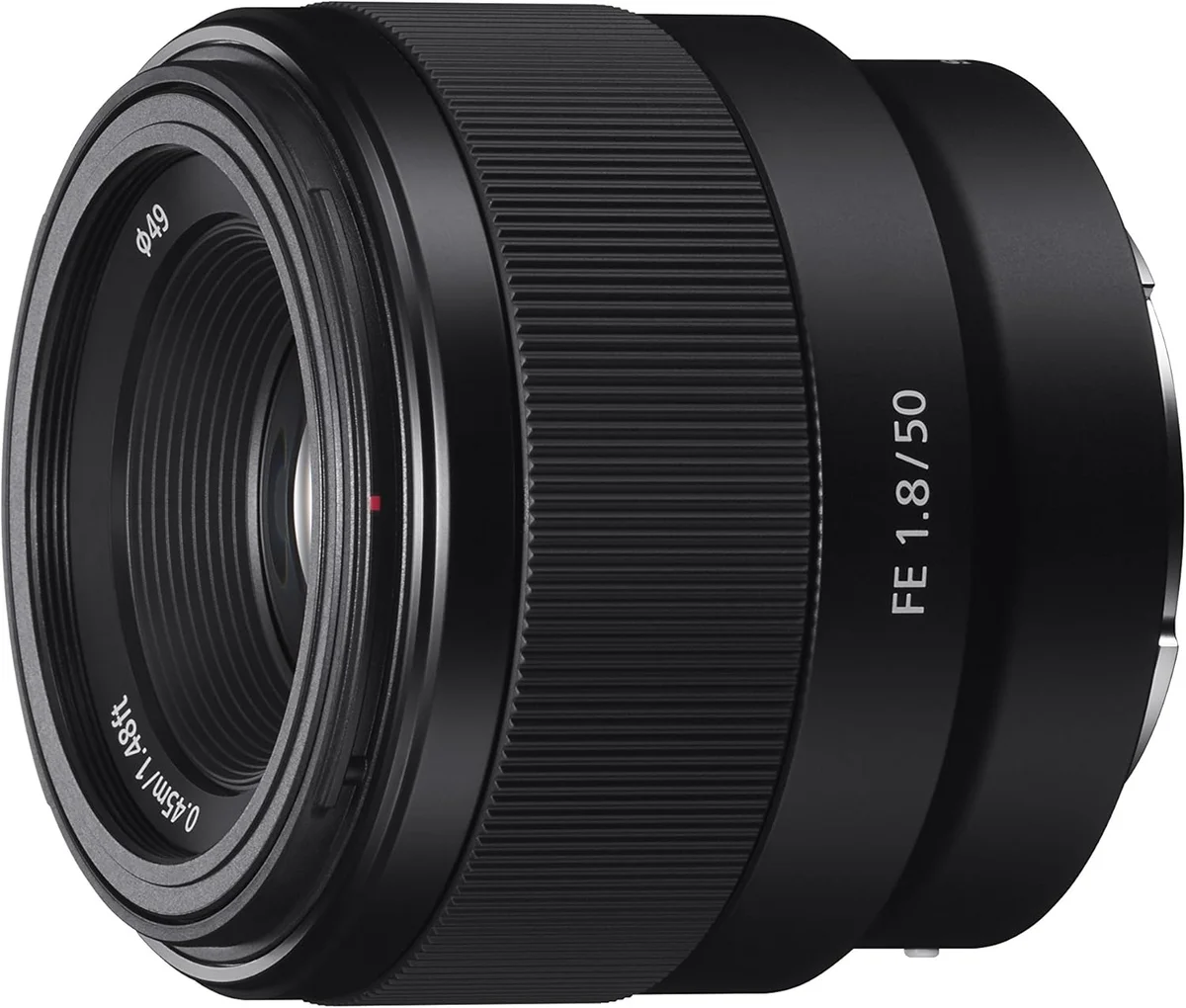
Vlogging and travel video: A stabilized wide-angle zoom (16-35mm f/4 or equivalent) handles arm's-length vlogging, establishing shots, and walking sequences. Sony shooters should check our best Sony E-mount zoom lenses picks for ranked options. Add a compact 50mm f/1.8 or 35mm f/1.4 for cinematic B-roll with background separation. Weight and size matter more than aperture speed for this workflow — every gram rides on your wrist, shoulder, or gimbal all day. Lenses with built-in IS are strongly preferred since vlogging is inherently handheld.
Documentary and event: A 24-70mm f/2.8 zoom is the backbone — it handles interviews, wide shots, and medium close-ups without lens changes during fast-moving situations. Add a 70-200mm f/2.8 for compressed interview framing, stage coverage, and detail shots. A fast wide prime (20mm or 24mm f/1.4) covers low-light environments where the zoom's f/2.8 is not fast enough. This three-lens kit mirrors what professional documentary crews carry worldwide.
Narrative and short film: Manual cinema lenses or de-clicked photo primes in matched sets (24mm, 35mm, 50mm, 85mm) provide the focus throw, breathing suppression, and consistent rendering that narrative work demands. A cinema zoom — 18-35mm T2 or 50-100mm T2 — offers flexibility during production days where schedule pressure makes lens swaps costly. Budget cinema lenses from Meike, 7Artisans, and DZOFilm offer T-stop ratings and cine mechanics at a fraction of the cost of professional cine glass from Canon, Arri, or Zeiss. Our best cinema and video lenses roundup includes several options that double as affordable video glass.
Our Top Video Lens Pick
The Tamron 35-150mm f/2-2.8 Di III VXD earns our top recommendation for video creators who need one lens that handles studio talking heads, B-roll, and event coverage without a lens change. Its 35-150mm range spans talking-head framing at the wide end through compressed close-ups and telephoto B-roll at 150mm — a zoom range that replaces two or three lenses in most video kits.
The f/2-2.8 aperture range delivers shallow depth of field at every focal length. At 35mm f/2, background separation is pronounced enough for professional-looking talking-head shots. At 150mm f/2.8, B-roll subjects pop from their backgrounds with a dimensional quality that slower zooms cannot match. The VXD linear motor autofocus operates near-silently — tested with on-camera shotgun microphones at standard recording levels, it produces no audible motor noise during continuous tracking.
At 1.2kg, it is heavier than a single prime but lighter than carrying a 35mm f/1.4 and a 70-200mm f/2.8 together. For creators who prioritize range and minimal gear swaps over absolute maximum aperture, the 35-150mm covers more video scenarios in a single barrel than any other lens in its class. Available on Sony E-mount, it pairs well with Sony's breathing compensation and active stabilization features for handheld work. For a broader look at Sony zoom options, see our best Sony E-mount lenses roundup.
Video & YouTube Lens Questions
These questions come from video creators across skill levels — from first-time YouTubers choosing their initial lens to working videographers optimizing their kit for specific productions. The answers prioritize practical impact over theoretical specs, because a spec that sounds good on paper may not translate to visible differences in your final exported video.
What focal length is best for talking-head YouTube videos?
A 24-35mm lens on a full-frame camera is the standard for talking-head content. At 24mm, you capture the creator plus some desk or studio context — ideal for tech reviewers and tutorial channels. At 35mm, the framing tightens to a medium shot with gentle background separation. Going wider than 24mm introduces visible distortion on faces near the frame edges. On APS-C cameras, multiply by 1.5x: a 16-23mm lens gives equivalent framing. The 24mm focal length dominates YouTube studio setups because it works in small rooms where the camera sits just 1-1.5 meters from the subject.
Does focus breathing matter for video?
Focus breathing causes a visible shift in framing as the lens racks between near and far focus. In stills photography, this is invisible. In video, a focus pull that zooms the image by 3-5% looks amateurish and distracts viewers. Modern lenses marketed for hybrid use — Sony G Master II, Nikon Z S-line, and select Tamron VXD lenses — minimize breathing to under 1%. Sony and Nikon bodies now offer in-camera breathing compensation that crops slightly to counteract residual shift. For narrative work or interviews with rack focuses, low breathing is a hard requirement, not a nice-to-have.
Can I use photo lenses for professional video?
Yes, and most YouTube creators, corporate videographers, and documentary shooters use photo lenses rather than cinema glass. Modern hybrid lenses from Sony, Canon, and Nikon deliver silent AF, minimal breathing, and smooth aperture transitions — the three behaviors that separate video-capable photo lenses from stills-only designs. Cinema lenses add clickless aperture rings, standardized front diameters for matte boxes, longer focus throw for manual pulls, and T-stop markings. These features matter for narrative filmmaking but add cost and weight that most video creators do not need.
Why do some lenses make noise that microphones pick up?
Autofocus motors, image stabilization actuators, and aperture mechanisms all generate sound. Older screw-driven and micro-motor AF systems produce audible whirring that on-camera and shotgun microphones capture easily. Linear motors (Sony XD, Canon Nano USM, Tamron VXD, Nikon STM) operate near-silently because they move focus elements with electromagnetic force rather than geared rotation. Stabilization motors can also hum — some lenses are quiet in AF but audible when IS engages. The only guaranteed solution is a lavalier or boom microphone positioned away from the lens, but choosing a lens with a linear AF motor eliminates the problem at the source for most setups.
What is a clickless aperture ring and do I need one?
A clickless (or de-clicked) aperture ring rotates smoothly without the tactile detents that mark each f-stop. During video recording, clicked aperture changes produce visible exposure jumps — the image snaps from f/2.8 to f/4 in a single frame rather than transitioning gradually. Clickless rings allow smooth, continuous aperture pulls during a shot, which is standard practice in narrative filmmaking. Most YouTube creators set aperture before hitting record and never touch it, making clickless rings unnecessary for that workflow. Lenses with a click/de-click switch — like several Sony G Master primes — offer both options.
Does 4K crop affect my lens choice?
Many cameras apply a 1.2-1.7x crop when shooting 4K, especially in higher frame rates like 4K/60. A 24mm lens on a camera with a 1.2x 4K crop frames like a 29mm lens — still usable for talking heads. With a 1.5x crop (common for 4K/60 on APS-C sensors reading a smaller area), that 24mm becomes 36mm equivalent, which may be too tight in a small room. Check your specific camera body for its 4K and 4K/60 crop factors before buying a lens. Wider lenses (20-24mm on full-frame, 10-16mm on APS-C) provide insurance against crop modes narrowing your field of view.
Should I buy a power zoom lens for video?
Power zoom lenses use a motorized zoom ring that delivers smooth, constant-speed zooms — something nearly impossible to achieve by hand. Sony offers several E-mount power zoom lenses (the FE PZ 16-35mm f/4 G, FE PZ 28-135mm f/4 G OSS) designed specifically for video. These are valuable for solo shooters who need push-in or pull-out zooms during recording, and for live streaming where manual zoom looks shaky. The downside is a limited selection, higher price, and zoom speeds that may not match your creative intent. Most YouTube creators frame their shot, lock the focal length, and never zoom during a take — making power zoom a specialty tool rather than a default recommendation.